Personality Cursors

Personality Cursors

Personality cursors are a fun way to reflect your mood and make collaboration feel more personal. They add character to your presence on the canvas and help teammates recognize your cursor quickly without checking names.
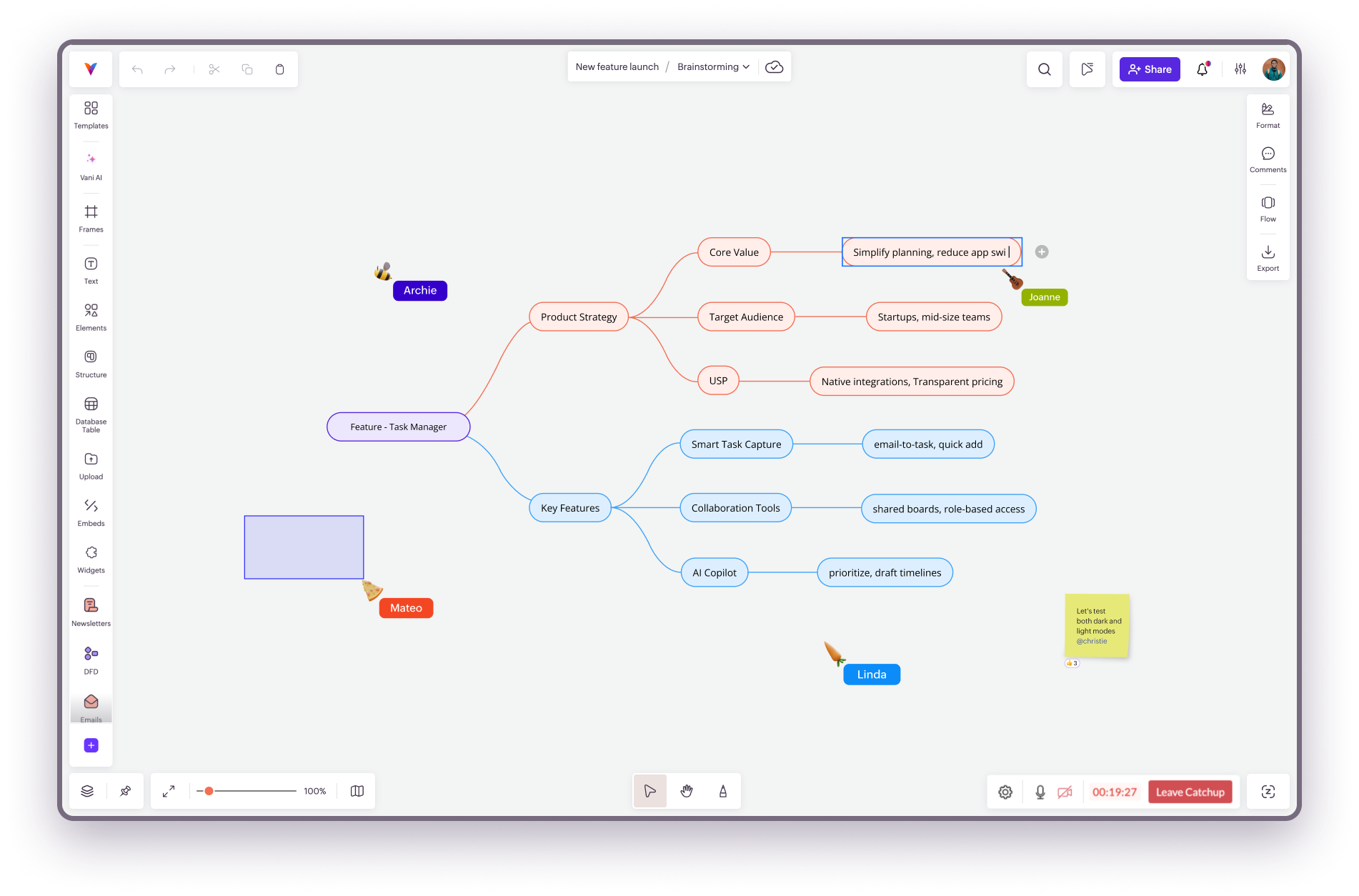
To choose a personality cursor:

  1. Click Cursor Preferences at the top-right corner.
  2. Select Cursor personality.
  3. Choose a cursor that reflects your style.
You’ll find several colorful options to choose from, including carrots, pizza slices, and more.


    • Related Articles

    • Live Cursor

      Live cursors help you stay in sync with your Spacemates while collaborating in real time. You can see where others are in the Space, what they’re working on, and even follow their cursor to stay on the same page. What live cursors do Show your ...
    • Following cursors in Catchups

      When you're in a Catchup, you can follow a teammate’s cursor to see exactly what they’re showing or working on in the Space. This makes it easier to stay on the same page, especially during walkthroughs or brainstorming sessions. Follow a Spacemate’s ...
    • Vani Glossary

      A AI (Vani AI): Built‑in AI capabilities in Vani that help teams generate flowcharts, mind maps, and text content from simple prompts. Teams can also use it to summarize content inside a Zone. Admin (Team): A user with Admin permissions at the team ...
    • Stickers Kit

      Stickers Kit provides a collection of expressive visual stickers that help you communicate ideas, reactions, and emotions directly on your canvas. These stickers add personality to your work and make collaboration more engaging. They can be used to ...
    • Joining a Catchup

      If a Catchup is already happening in your Space, you can join it anytime. Join an ongoing Catchup Click the Join Catchup button in the bottom-right corner. You’ll see the Catchup Settings window, where you can: Select your camera and microphone. ...