Importing projects from Miro
You can bring your Miro boards into Vani and continue collaborating with your team.
Export from Miro
- Open the board you want to export.
- Click the Export this board button and select Save as PDF.
- Choose High quality (vector) for better editing support in Vani.
Import into Vani
1. In the listing page, click Import at the top right corner
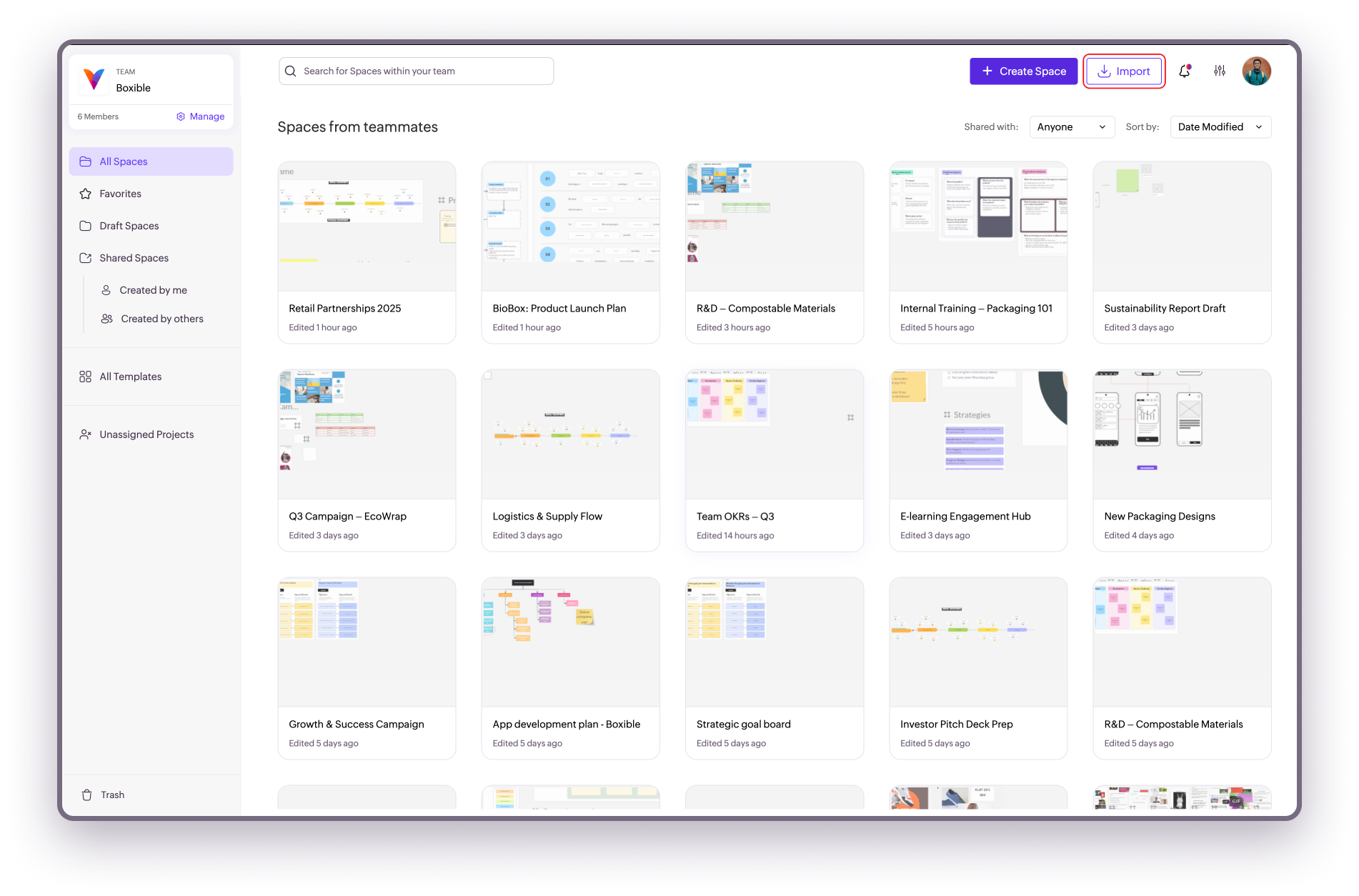
2. In the dialog box, do one of the following:
- Drag and drop your exported Miro board.
- Click Browse files to upload them from your device.
Your board will be imported as a new Space in Vani.
Where to go next