Joining an organization
You can join an organization in Vani when you are invited. Once you join, you can access the teams and Spaces available to you in that organization.
You can join an organization either during signup or later from within Vani.
Join an organization during signup
If you have been invited to an organization, you will see the invite while signing up.
- Review the organization invite shown on the screen.
- Click Accept to join the organization.
You will be added to the organization and taken into Vani. You can then access available teams and Spaces, or create or join a team.
If you prefer, you can also choose to create your own organization instead.
Join an organization from inside Vani
If you receive a new organization invite after signing up, you can access it from within Vani.
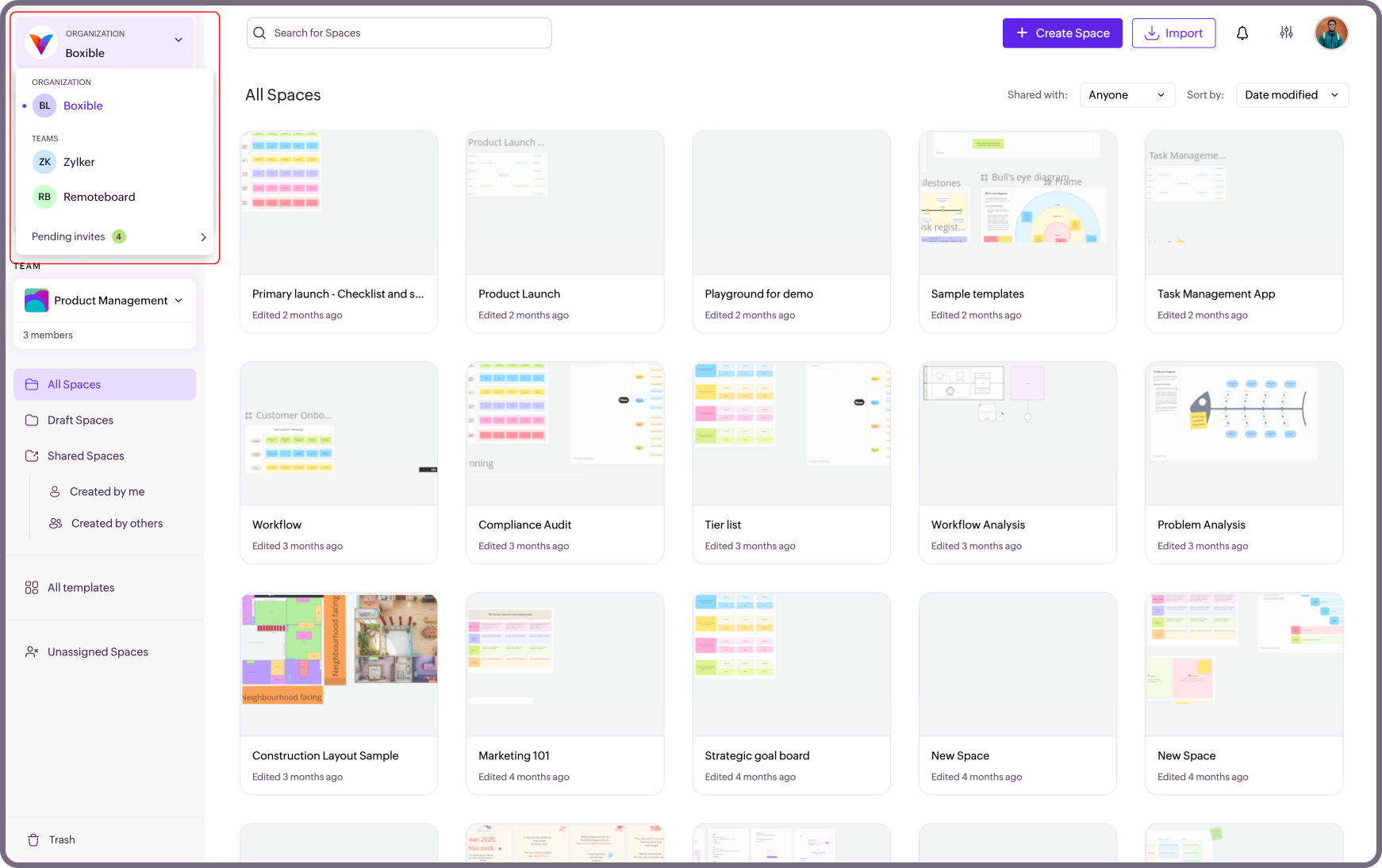
- Click the dropdown next to your organization name in the top-left corner.
- Click Pending invites.
- Review the organization invite.
- Click Accept to join, or Decline to ignore the invite.
Once accepted, you will be added to the organization and can start working with the available teams and Spaces.

Note: You can accept invites for multiple organizations.